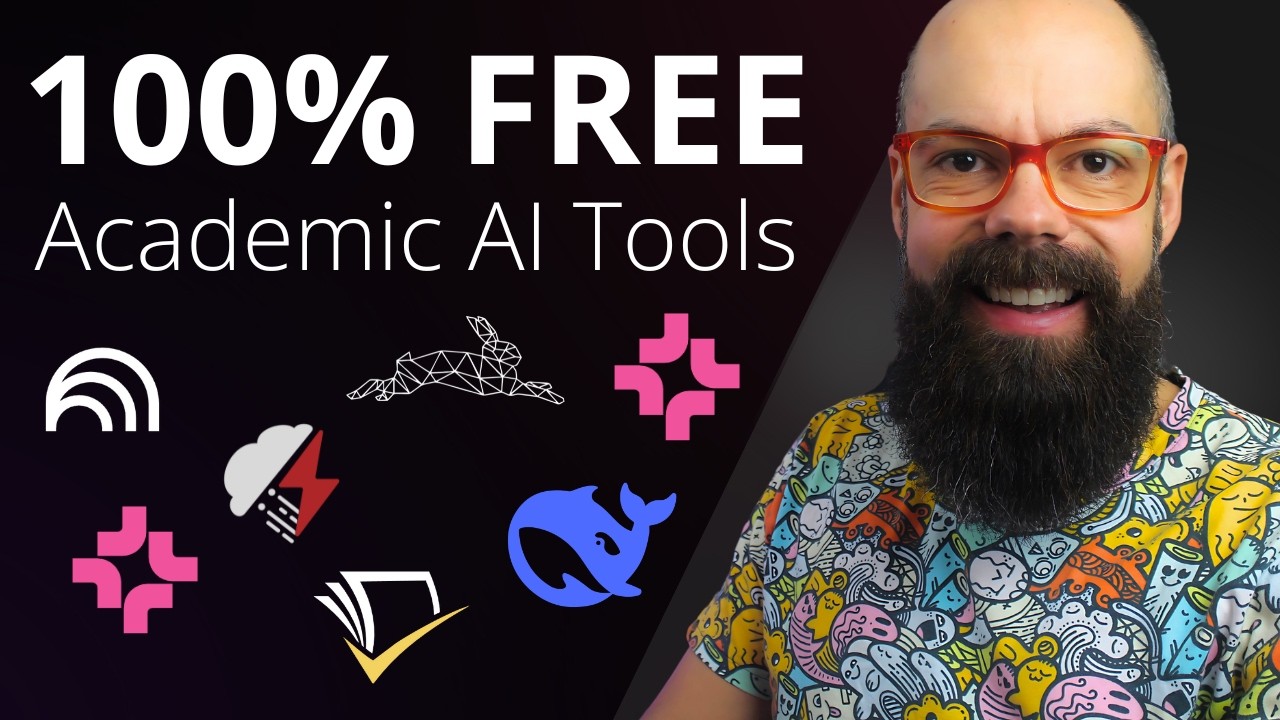
TL;DR: This article highlights seven free AI tools for researchers in 2025, including AI2 PaperFinder from the Allen Institute for AI, which offers access to millions of academic papers with precision relevance scoring.
📋 Table of Contents
Jump to any section (15 sections available)
📹 Watch the Complete Video Tutorial
📺 Title: Top 7 Free AI Tools Every Researcher Needs in 2025
⏱️ Duration: 684
👤 Channel: Andy Stapleton
🎯 Topic: Top Free Tools
💡 This comprehensive article is based on the tutorial above. Watch the video for visual demonstrations and detailed explanations.
If you’ve ever been excited by the promise of AI-powered research tools—only to hit a paywall the moment you’re ready to dive in—you’re not alone. But what if you could access cutting-edge, 100% free tools that not only match but sometimes surpass paid alternatives? In this comprehensive guide, we’ll walk you through seven exceptional AI tools specifically designed for academia and research—all completely free, all incredibly powerful, and all ready for you to use today.
Based on real-world testing and direct insights from the transcript of a leading expert in academic AI tools, this article extracts every tip, technique, URL, feature, and workflow mentioned. Whether you’re conducting a literature review, synthesizing findings across dozens of papers, or mapping research landscapes, these tools will save you time, money, and effort—without compromising quality.
1. AI2 PaperFinder: Discover Millions of Papers with Precision Relevance Scoring
Developed by the Allen Institute for AI (AI2)—the same team behind Semantic Scholar—AI2 PaperFinder is a powerful, no-cost tool for discovering academic papers. Access it at paperfinder.allen.ai.
This tool indexes an impressive 8 million full-text papers and 108 million abstracts, making it one of the largest free academic search engines available.
How It Works
Simply enter your research query—such as “nano composite transparent electrode materials”—and PaperFinder processes your request to return highly relevant results. In one example from the transcript, the search returned 75 papers, with the top result scoring a 0.98 relevance out of 1.0.
Key Features
- Relevance scoring: Each paper is ranked by relevance to your query.
- Sorting options: Filter results by year, venue (publication source), and author.
- Export functionality: Download citations in BibTeX, JSON, or Markdown formats—perfect for integration with reference managers like Zotero or Mendeley.
2. AI2 Scholar QA: Get Synthesized, Multi-Paper Answers to Complex Research Questions
Also from the Allen Institute for AI, AI2 Scholar QA takes research synthesis to the next level. Instead of just finding papers, it answers your questions by analyzing and citing multiple academic sources.
Real-World Example
In the transcript, the user asked: “Can OPV devices reach 30% efficiency?” The tool generated a comprehensive, structured response citing 35 peer-reviewed papers. The answer was broken into collapsible sections like:
- Introduction to OPV devices
- High efficiency for indoor applications
- Current limitations and future pathways
Each section includes direct links to the cited papers, allowing you to verify sources instantly.
Why It Stands Out
- Literature review automation: Ideal for drafting background sections or exploring emerging topics.
- Source transparency: Every claim is backed by real academic literature.
- Free and unlimited: No credits, no paywalls, no registration required.
3. Semantic Scholar: The Original AI-Powered Academic Search Engine
Often called the “OG” of free academic AI tools, Semantic Scholar (semanticscholar.org) powers many paid research platforms—but you can use it directly for free.
It leverages advanced semantic search to understand the meaning behind your query, not just keywords.
How to Use It Effectively
Enter a query like “nanoparticle OPV devices” and instantly receive results that can be filtered by:
- Field of study
- Publication date range
- Availability of PDF
- Citation count
Each paper page includes figures, references, citations, and related work—all in one place.
4. STORM: AI-Generated Research Articles with Multi-Agent Collaboration
Developed by Stanford University, STORM (storm.gen.stanford.edu) simulates a team of expert AIs working together to produce well-structured, referenced articles on any topic.
Though occasionally under maintenance (as noted in the transcript), STORM represents a novel approach to AI-assisted research writing.
How STORM Works
When you input a topic like “social media and teen depression,” STORM assigns different AI “roles,” such as:
- Mental health professional
- Social media researcher
- Educator
- Fact-checker
These agents collaborate during a brainstorming phase, then produce a final article with sections including:
- Summary
- Background
- Mental health concerns (depression, anxiety, sleep disruption)
- Social dynamics (isolation, cyberbullying)
Limitations & Strengths
| Aspect | Details |
|---|---|
| References | Primarily news articles and general sources—not always peer-reviewed. Best for initial exploration. |
| Use Case | Ideal for getting a “first touch point” on a new topic or ensuring you haven’t missed major angles. |
| Cost | 100% free, with no sign-up required. |
5. Notebook LM: Chat with Your PDFs and Generate Interactive Mind Maps
Google’s Notebook LM is a game-changer for researchers managing large document collections. Upload up to 50 PDFs or text sources into a single notebook and interact with them as a unified knowledge base.
Step-by-Step Workflow
- Upload sources: Add PDFs related to a subtopic (e.g., “Organic Photovoltaic Materials”).
- Ask questions: Chat with your documents—e.g., “What are the key challenges in stability for OPVs?”
- Generate a mind map: Click the new “mind map” feature to visualize thematic connections across all your sources.
Mind Map Feature: A Research Breakthrough
In one example from the transcript, uploading papers on organic photovoltaics automatically generated a mind map with core branches like:
- Materials
- Device architecture
- Performance metrics
Drilling down into “Device architecture” revealed subtopics like “inverted structure.” Clicking a node prompts Notebook LM to “discuss what these sources say about inverted structure in the larger context of device architecture.”
6. Research Rabbit: Map the Academic Landscape and Find Hidden Connections
Research Rabbit is described as a tool that will be “free forever.” It helps researchers map literature networks, uncover adjacent work, and identify gaps in their knowledge.
Core Functionality
After uploading a set of papers, Research Rabbit shows:
- Similar work: Papers thematically related to your uploads.
- Earlier work: Foundational studies that influenced your sources.
- Later work: Recent papers that cite or build on your sources.
Each paper is displayed in a visual network, showing how it connects to others via citations and topics.
Advanced Use: Author Tracking
Click on any author (e.g., “Kerry Burke”) to see their complete publication timeline. This is invaluable for tracking a researcher’s evolving contributions or identifying key collaborators.
User Experience Note
While powerful, Research Rabbit has a learning curve. The transcript advises users to:
- Have a clear goal (e.g., “find adjacent literature” or “explore a new author”)
- Invest time upfront to overcome the “activation energy” of learning the interface
- Export discovered papers and feed them into tools like Notebook LM for deeper analysis
7. DeepSeek: A Controversial but Completely Free General-Purpose LLM
DeepSeek is a large language model developed in China that remains 100% free for general use—with no hidden paywalls or subscription traps.
Pros and Cons
| Category | Details |
|---|---|
| Strengths | Free, no sign-up, good for general research questions, can be run locally for privacy. |
| Weaknesses | Not as strong as paid models (e.g., ChatGPT, Claude, Perplexity) for academic precision. Privacy concerns due to China-based hosting. |
| Best For | Researchers needing a free fallback LLM when other tools are unavailable or restricted. |
While the speaker prefers paid models for high-stakes academic work, they acknowledge DeepSeek as a viable free alternative when budget is a hard constraint.
Comparing All Seven Tools: Features at a Glance
| Tool | Primary Function | Max Sources | Export Options | Institution |
|---|---|---|---|---|
| AI2 PaperFinder | Paper discovery | 108M abstracts, 8M full texts | BibTeX, JSON, Markdown | Allen Institute for AI |
| AI2 Scholar QA | Question answering with synthesis | Multi-paper synthesis | Web view with citations | Allen Institute for AI |
| Semantic Scholar | Academic search engine | 200M+ papers | Citation export, PDF links | Allen Institute for AI |
| STORM | AI-generated research articles | Web-sourced | Copy-paste, PDF (via browser) | Stanford University |
| Notebook LM | Chat with your documents + mind maps | 50 PDFs per notebook | Text copy, mind map visualization | |
| Research Rabbit | Literature mapping & gap analysis | Unlimited uploads | BibTeX, CSV, direct links | Independent (free forever) |
| DeepSeek | General-purpose LLM | Context-limited | Text only | DeepSeek (China) |
How to Combine These Tools for Maximum Research Efficiency
The transcript suggests a powerful workflow that layers multiple free tools:
- Start with Semantic Scholar or AI2 PaperFinder to gather initial papers.
- Upload key PDFs to Notebook LM to chat with them and generate a mind map.
- Use AI2 Scholar QA to answer specific synthesis questions (e.g., “What’s the consensus on X?”).
- Run your core papers through Research Rabbit to find adjacent literature you might have missed.
- Use STORM to draft a preliminary overview of a new subtopic.
- Fall back to DeepSeek for quick general queries when offline or restricted.
Addressing Common Concerns: Privacy, Accuracy, and Reliability
The transcript acknowledges that not all free tools are equal:
- DeepSeek’s China origin raises privacy questions—consider running it locally if handling sensitive data.
- STORM’s references lean toward news sources; always verify critical claims with peer-reviewed literature.
- Research Rabbit’s interface isn’t intuitive—plan your session with a clear objective.
However, tools from AI2, Stanford, and Google are backed by major research institutions, ensuring high reliability and academic rigor.
Why These Free Tools Often Outperform Paid Alternatives
As emphasized in the transcript, many commercial AI research platforms are built on top of free engines like Semantic Scholar. By using the original tools directly, you:
- Avoid markup pricing
- Gain access to raw data and full features
- Benefit from academic—not commercial—design priorities
Future-Proofing Your Research Toolkit
These tools are actively developed:
- Notebook LM recently added mind maps
- STORM continues to refine its multi-agent collaboration
- AI2 regularly expands its paper index
Bookmarking these resources ensures you stay ahead as AI reshapes academic workflows.
Final Thoughts: Keep Your Money in Your Bank Account
You don’t need a subscription to do cutting-edge research. With these seven 100% free AI tools, you can discover papers, synthesize findings, map literature, and even generate draft content—all without opening your wallet.
As the transcript concludes: “Keep that money in your bank account.” These tools prove that the best things in academic research can, in fact, be free.
Let us know in the comments! And if you found this guide helpful, explore our companion piece: “Ranked: The Best AI Tools for Academia—Free and Paid.”
Resource List: All URLs Mentioned
- AI2 PaperFinder: https://paperfinder.allen.ai
- AI2 Scholar QA: (Typically accessible via AI2’s research portal—check allenai.org)
- Semantic Scholar: https://www.semanticscholar.org
- STORM: https://storm.gen.stanford.edu
- Notebook LM: https://notebooklm.google.com
- Research Rabbit: https://www.researchrabbit.ai
- DeepSeek: https://deepseek.com